
This is an excellent collection of accessible widgets. You can learn a lot from this code.
This is an excellent collection of accessible widgets. You can learn a lot from this code.

“All caps” text gets abused pretty regularly. This article gets into the details of why proper letter spacing is crucial for the legibility of text in all caps.
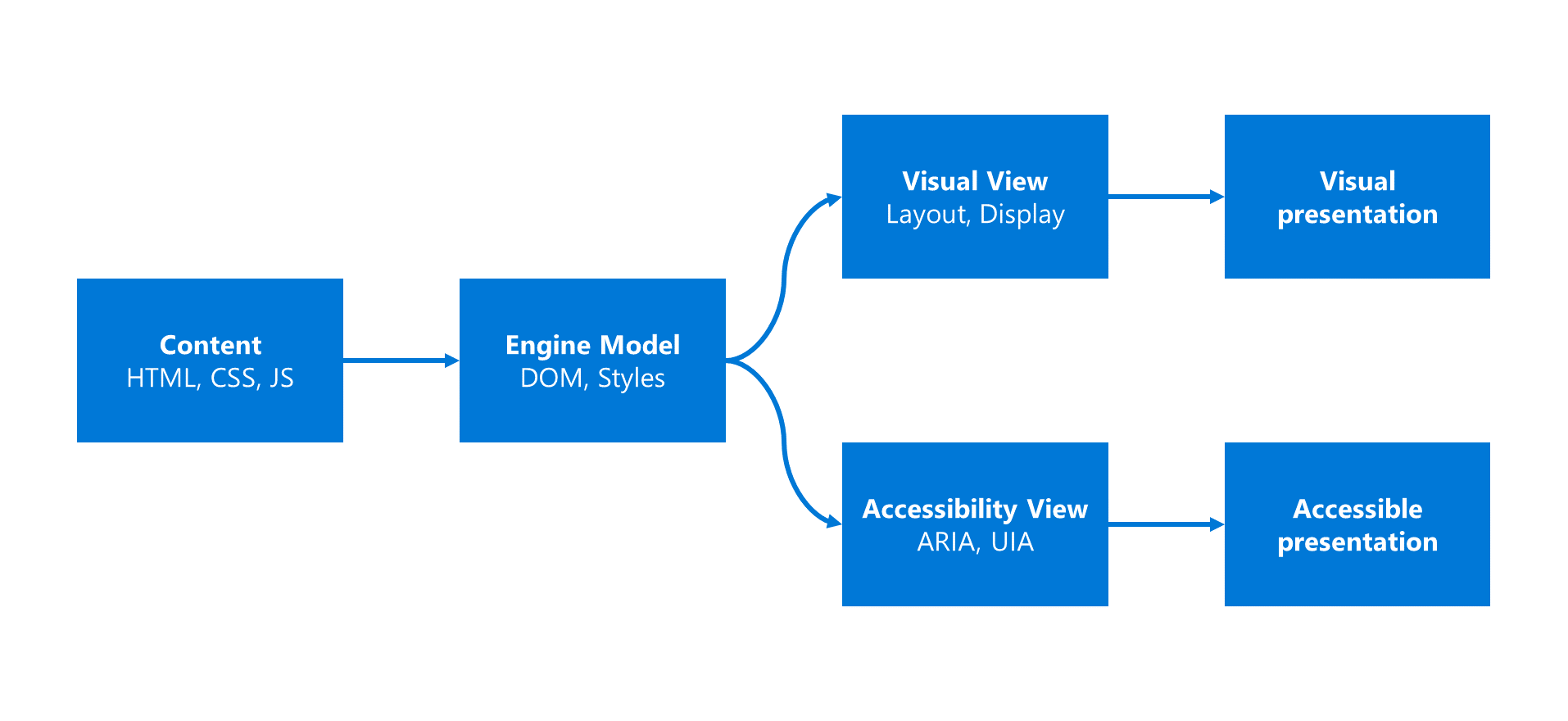
I’m so incredibly excited about this! Highlights:
datalist, improved select, and improvements to all list type elements;input[type=color];Couple this with the F12 dev tools enhancements and Narrator’s Developer Mode and it’s pretty clear how committed Microsoft is to accessibility. I’m so glad I work here!

This post has so much gold. To wit:
While they are very important for testing, screen readers are not testing tools. To be honest, people with disabilities are not running around with AT checking to make sure websites and software work correctly. They’re using it as a means to overcome a technological barrier that would normally keep them from doing something you and I take for granted.

Oh, the number of times I’ve had to fight this battle…

This is a pretty sweet guide to authoring accessible SVG icons. Thanks Hugo!
Generate WCAG-compatible color palettes with ease in this awesome tool from Donielle Berg & Adrian Rapp.

This is a handy cheet sheet from Léonie Watson.

I’ve said it before and I’ll say it again: Every experience is a conversation and those who design for that now will be well-positioned to succeed in the future of “headless UIs”.
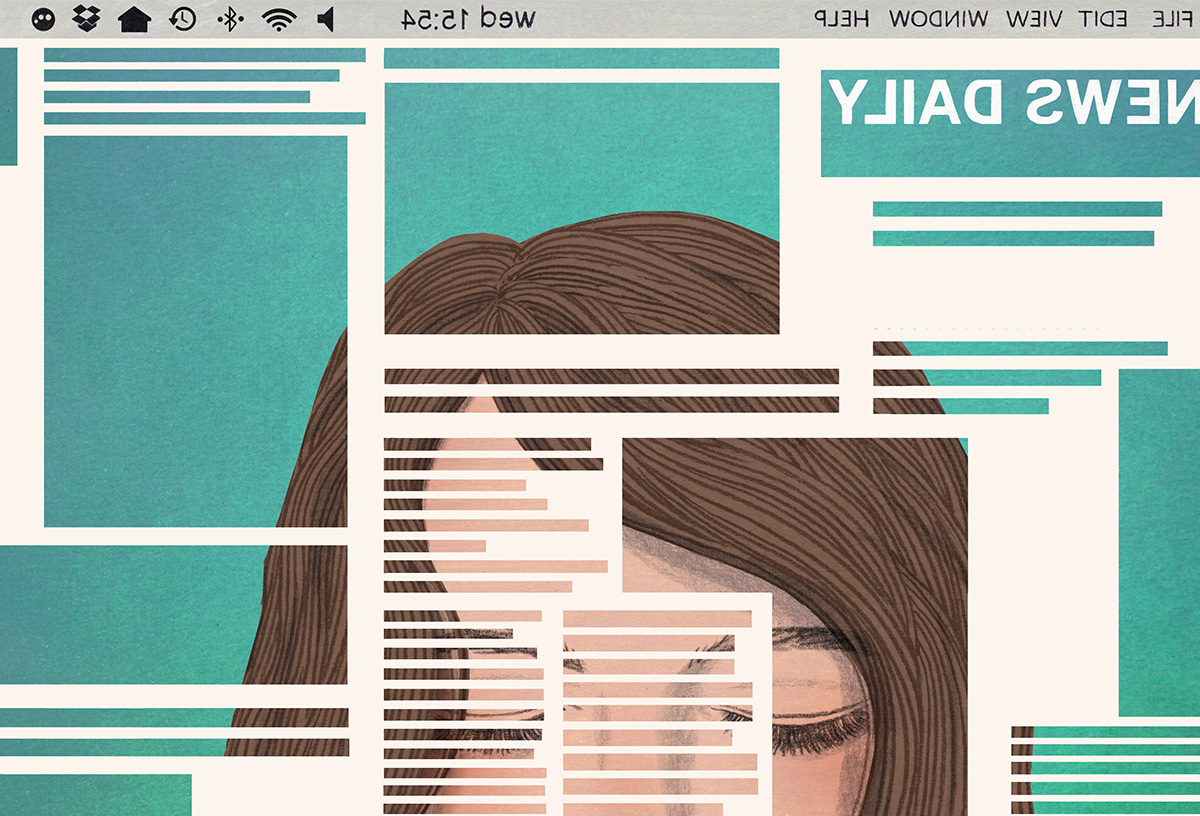
This is an excellent piece on why news orgs should be paying attention to accessibility… and why they aren’t:
[M]uch of the core technology for accessibility already exists … What’s holding accessibility back is design—and awareness.