Dispatches From The Internets

The Power of ‘No’ in Internet Standards

This is an important piece about where power actually lives on the web: not in the specification itself, but in whether powerful players choose to participate, implement, and ship.

I also appreciate Mark’s call for more ambition here. Too often, we talk about the web as if it’s destined to be an OS for web apps rather than a public-interest platform in its own right. That’s not inevitable. But getting somewhere better requires recognizing that refusal, delay, and strategic disinterest can be every bit as consequential as formal opposition.


Nice Select

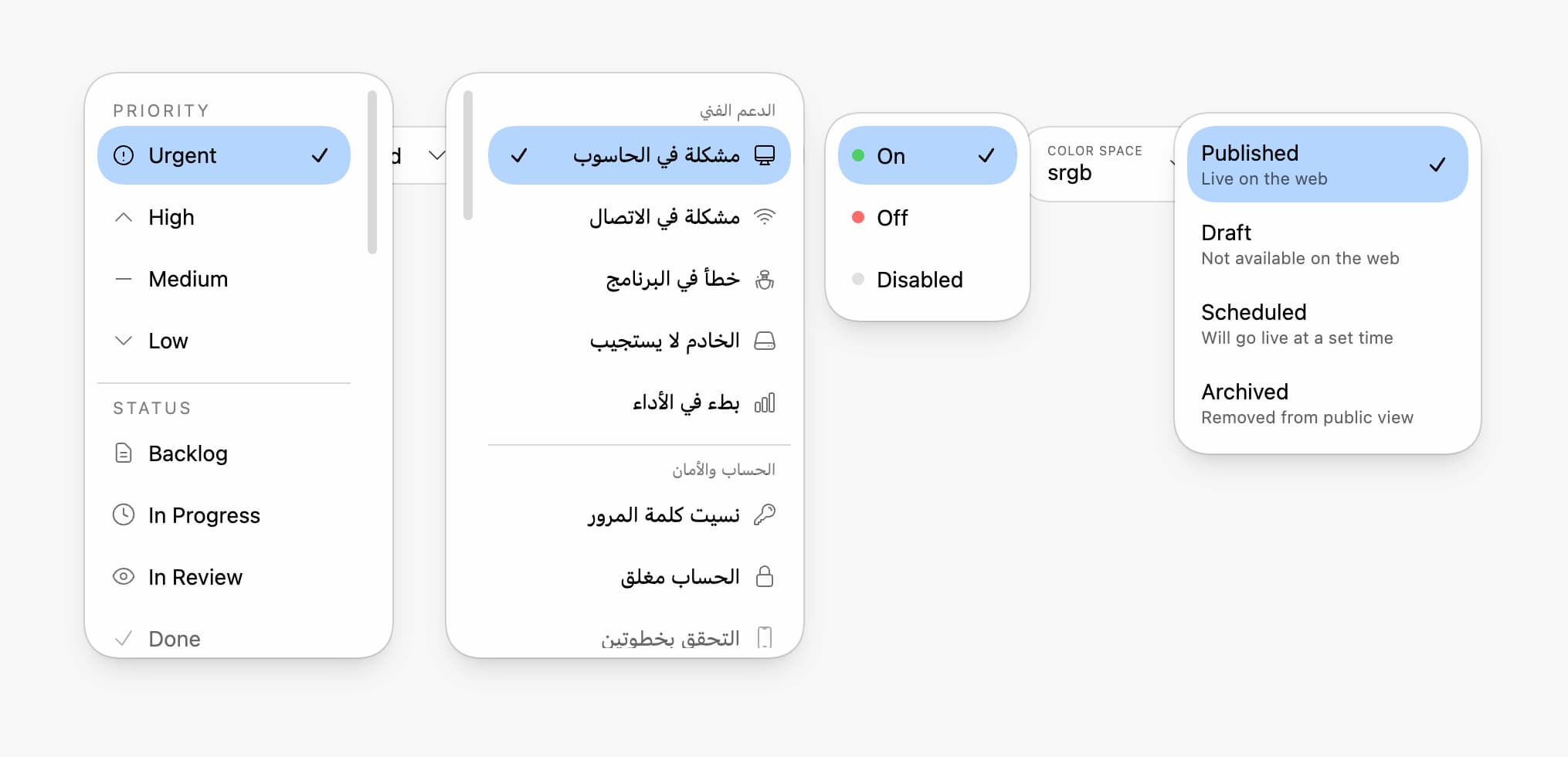
This is a terrific demonstration of how far the platform has come: a richly styled select that leans on native semantics, native accessibility, and progressive enhancement instead of fighting the browser.

What I especially appreciate here is the restraint. Yes, there’s some clever CSS and a little JavaScript to help with positioning, but the whole thing is built on top of the platform, not in spite of it. That’s the interesting takeaway for me: we can build interfaces that feel bespoke without throwing away the reliability and accessibility native controls already give us.


Visual Validation Feedback for Form Fields

Password requirements, username rules, and format constraints tend to pile up fast. Too often, people only learn whether they met them after they hit submit. The form-validation-list web component changes that by providing real-time feedback as someone types, showing exactly which requirements are met, and which still need work.


Never Lose Form Progress Again

Few things are more annoying than losing your progress halfway through a form. Maybe the browser crashes. Maybe the tab closes. Maybe your kid yells from the other room, and you come back three hours later wondering why you thought now was a good time to fill out a mortgage application. Whatever the cause, form-saver makes those interruptions a lot less painful, which helps because forms are usually frustrating enough on their own.


Some blind fans to experience Super Bowl with tactile device that tracks ball

A few years ago, a couple students at the University of Washington asked me to come to their campus for a visit. They gave me a demo of an early prototype they’d been working on — a haptic feedback device that could allow someone who is Blind or low vision to follow a game. The demo took video data from a tennis match and mapped it onto the haptic tablet. It felt like Pong, but they had a bolder vision — tackling fast-moving and complicated sports like basketball, football, American football, and hockey.

I immediately invited them to pitch us for the AI for Accessibility Grant Program that I ran for Microsoft. With so much focus on assistive technology to enable folks to work and accomplish common life tasks, I loved that the OneCourt team was interested in enabling people with disabilities to enjoy leisure activities like sporting events. Moreover, I saw the potential to enable Blind and low-vision parents to experience their kids’ sporting events, which could be life-changing for them.

Needless to say, they wowed both me and the rest of the seleciton committee. We funded them to expand their prototypes and pursue partnerships with different professional sports leagues, teams, and venues. They were ambitious and it’s paying off.

Fast forward a few years and they’re enabling a handful of Blind & low vision sports fans to exerience the Super Bowl in a whole new way, using their technology. It’s amazing and I could not be more proud of them.

Congrats y’all!


A Production-Ready Web Component Starter Template

Starting a new web component from scratch usually means rebuilding the same scaffolding: test setup, build configuration, linting, CI/CD, docs, and all the rest. After building—and rebuilding—more components than I care to count, I pulled those patterns into a starter template so you can spend your time on component behavior instead of project plumbing.